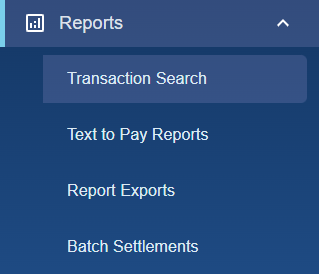
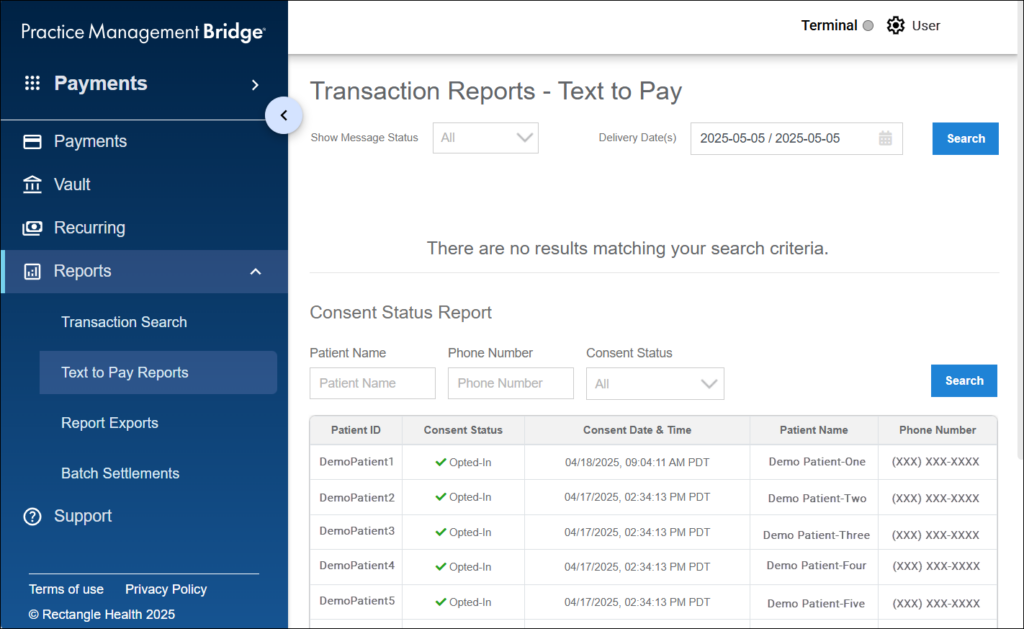
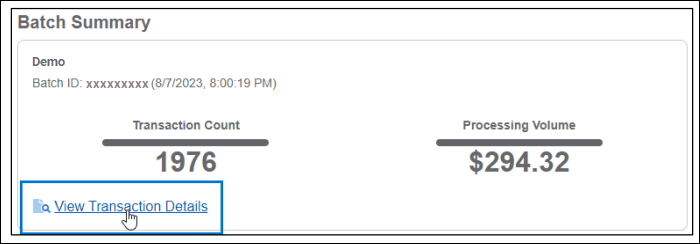
Batch Settlement Reports (Reports > Batch Settlements) display a summary of batch settlements and a link to view details of all transactions in the batch settlement.
Generate a Batch Settlement Report
See Using the Batch Settlement Report to watch a video of this process.
Instructions
- In the left menu, click Reports, and then select Batch Settlements.
- Select a location and a date, and then click Apply.
- Within the Batch Summary, click the View Transaction Details link to open Transaction Search with the Batch ID prefilled in the new Batch ID search field.
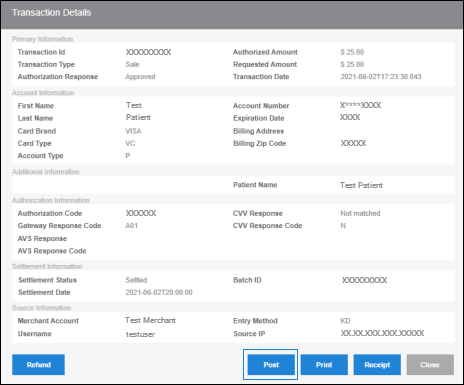
The transactions that are part of the batch settlement are automatically returned in the Search Results.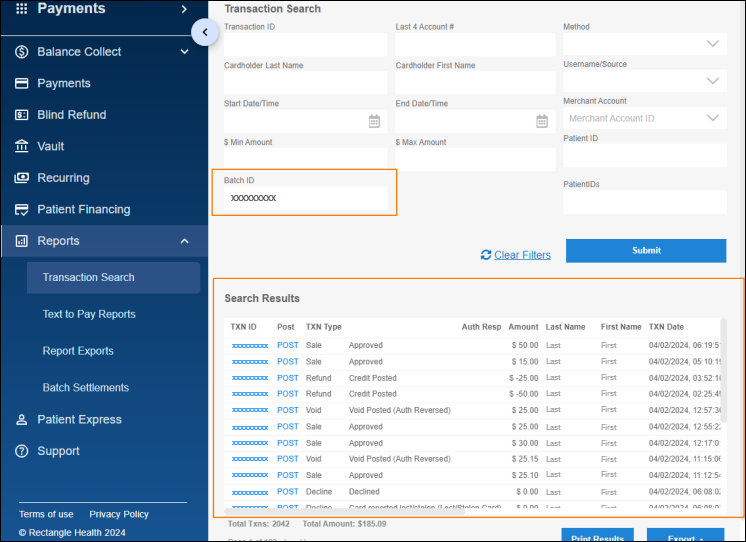
- Click Export and select a file type to export the results.