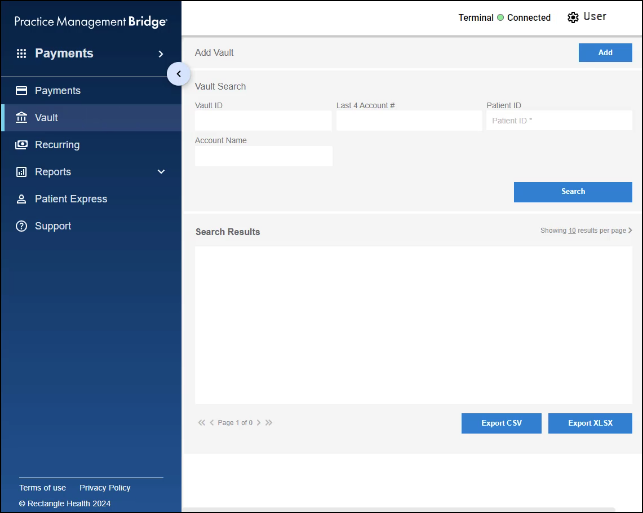
The Vault is where you can store card information securely for future payments. Bridge™ Payments offers three ways to do this:
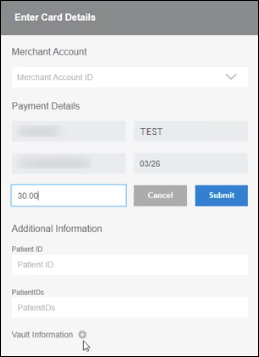
- Add a card to the Vault during transactions.
- Add a card directly in the Vault (outside a transaction).
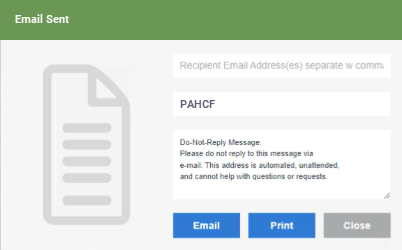
- Send a Payment Authorization form via email or text for the patient to place their own card on file.
This article covers the third method: sending a Payment Authorization form via email or text for the patient to place their own card on file. To see all three methods, see Three Ways to Place a Card on File in Vault.
One of the actions you can take through Patient Express is to send patients a link to complete a digital registration form and store a Card on File in Vault ahead of their visit.
There are two ways you can send this invitation to register online:
- Method 1: Send the invitation to register online while you add a new patient to Patient Express.
- Method 2: Send a link to a patient who already has a record in Patient Express.
Patients with a Patient Express record can be sent an invitation link in two ways: a registration invitation or a registration reminder.
See the following resources for instructions on how to send an online registration invitation link to a patient:
- Articles:
- Video: Sending Digital Forms Through Email or Text
You can check a patient's registration progress after sending the invitation. See View a Completed Registration Form (Patient Express) for more information.