After a payment is posted, posting details are displayed in two places:
-
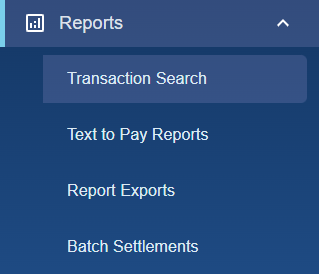
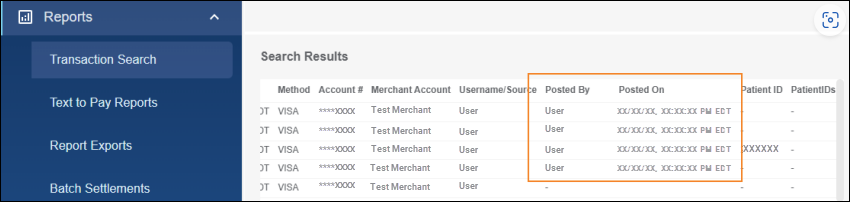
In the Posted By and Posted On columns of the Search Results of Transaction Search. To access Transaction Search Results, click Reports > Transaction Search. If desired, you can narrow down the results by searching with filter options.
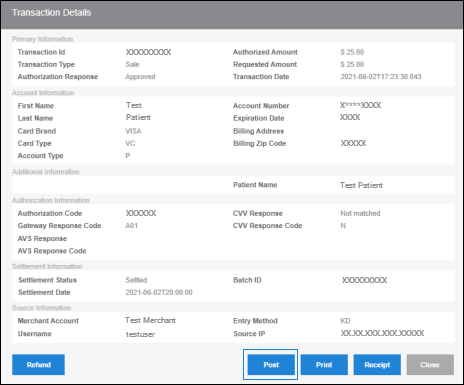
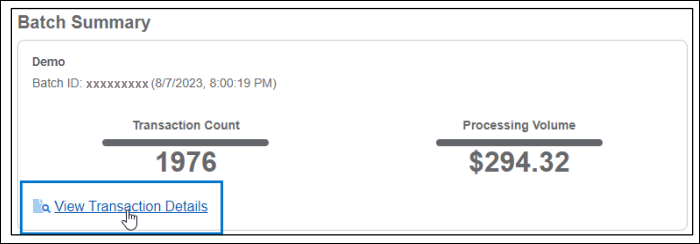
- At the bottom of Transaction Details. To access Transaction Details, click Reports > Transaction Search > scroll to the Search Results and open a transaction by clicking the Transaction ID link in the TXN ID column.

If a payment has not been posted, a dash (-) is displayed in the Posted By and Posted On columns, and posting information is not displayed at the bottom of Transaction Details.
When the transaction is posted via API Call, the Posted By username is PMB_APIUser.
See Searching for Transactions and Viewing Details to watch a video of this process.