
The Consent Status Report gives you visibility into whether patients have opted out of text messaging. Consent Status is available under Reports > Text to Pay Reports.
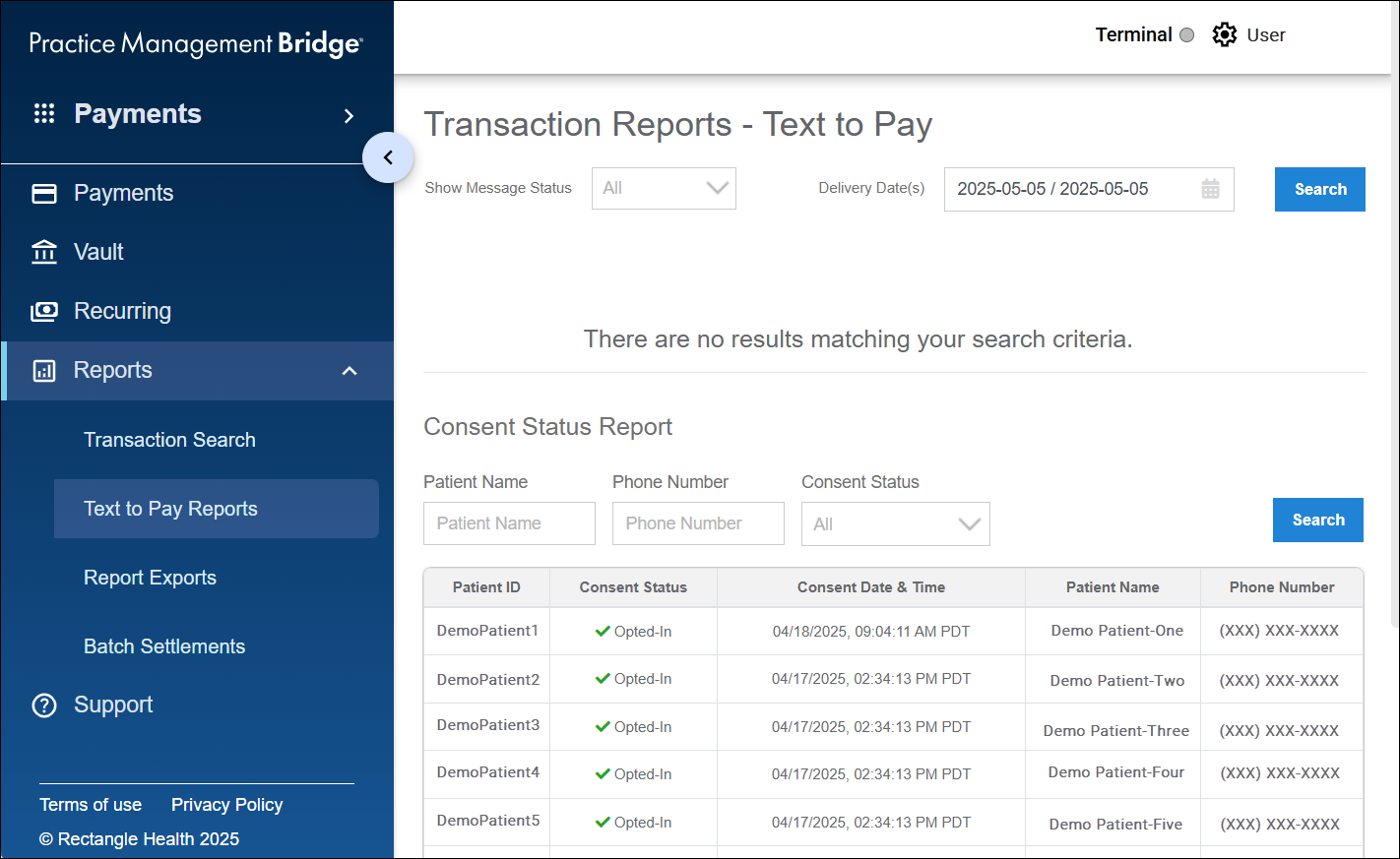
Patients appear in the Consent Status Report once they receive a message (custom text, single Text-to-Pay, or Bulk Text-to-Pay) from Bridge Payments.
Consent Status and Meaning:
- -: A message has been sent, and the patient has not opted out.
- Opted-Out: The patient has responded "Stop" or other cancel words to opt out of future messaging.
- Opted-In: The previously opted-out patient sent "Start" to opt back in to messaging.
Need Help?
If you do not see Patient Express as an option in your menu within Bridge Payments:
- Contact your practice administrator.
- Contact Customer Care at 800-337-3630 (option 3) or [email protected].
If you do not have Bulk Text-to-Pay and would like to add it to your current package:
- Contact your Relationship Manager.
- Contact Customer Care at 800-337-3630 (option 3) or [email protected].
Helpful?